
22 Modules. 150+ Capabilities. One Platform.
Roombr LMS brings course and curriculum management, video conferencing, class recording, AI-powered video editing, assessments, communication, Roombr AI, and learning analytics into one connected learning management platform.
Roombr LMS brings course and curriculum management, video conferencing, class recording, AI-powered video editing, assessments, communication, Roombr AI, and learning analytics into one connected learning management platform.

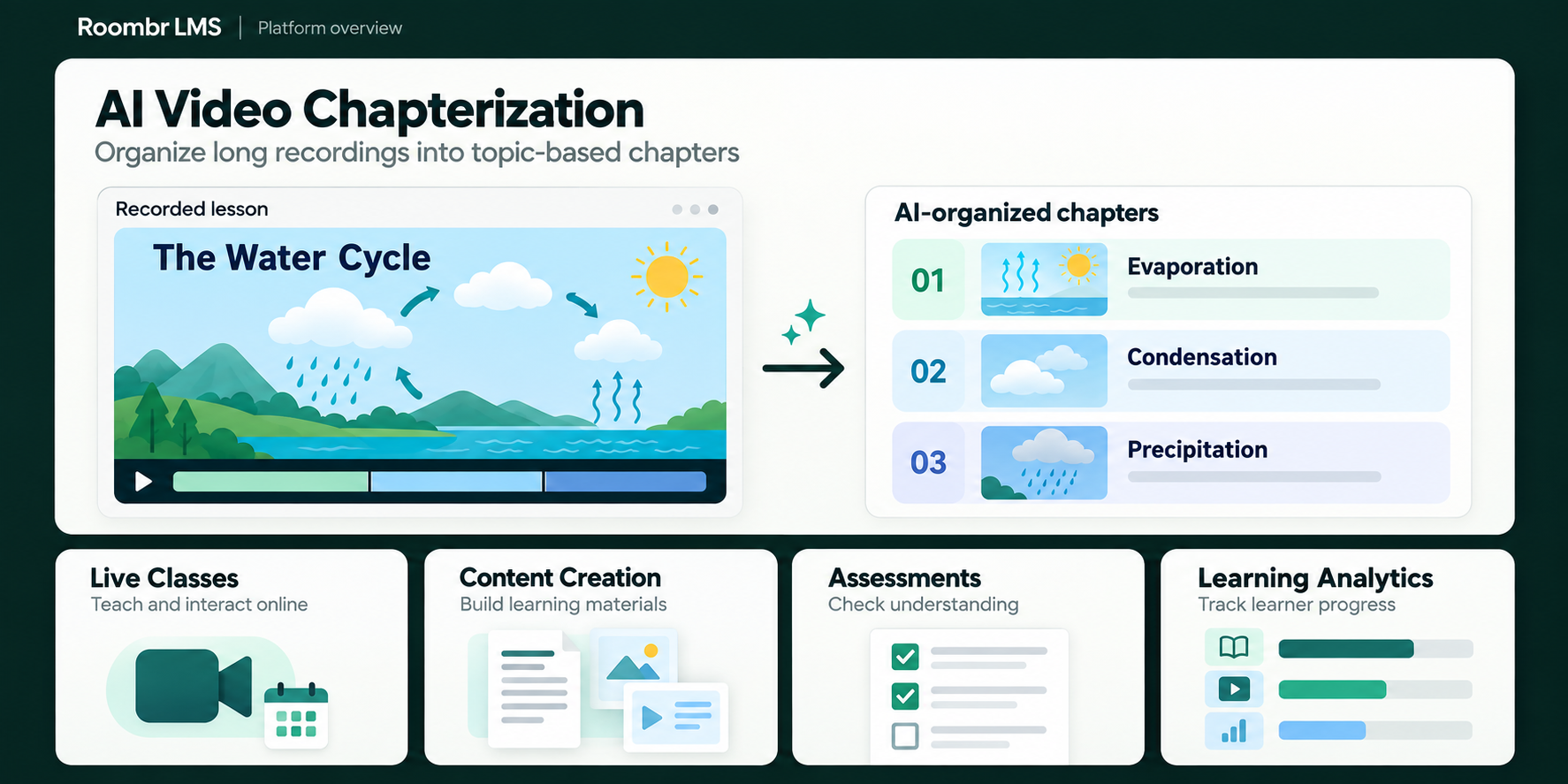
Roombr LMS is shaped around how institutions actually plan, teach, assess, support learners, and track academic progress.
Each module works as part of the wider learning workflow. That means less manual coordination, fewer disconnected tools, and more value from every class, resource, and assessment.
Set up curricula, users, classes, and timetables. Teach in person, online, or in a hybrid format. Record lessons, create assessments, publish resources, communicate with learners, and monitor progress.
Roombr LMS keeps these activities connected, so information moves naturally from academic planning to teaching, learning, and reporting.

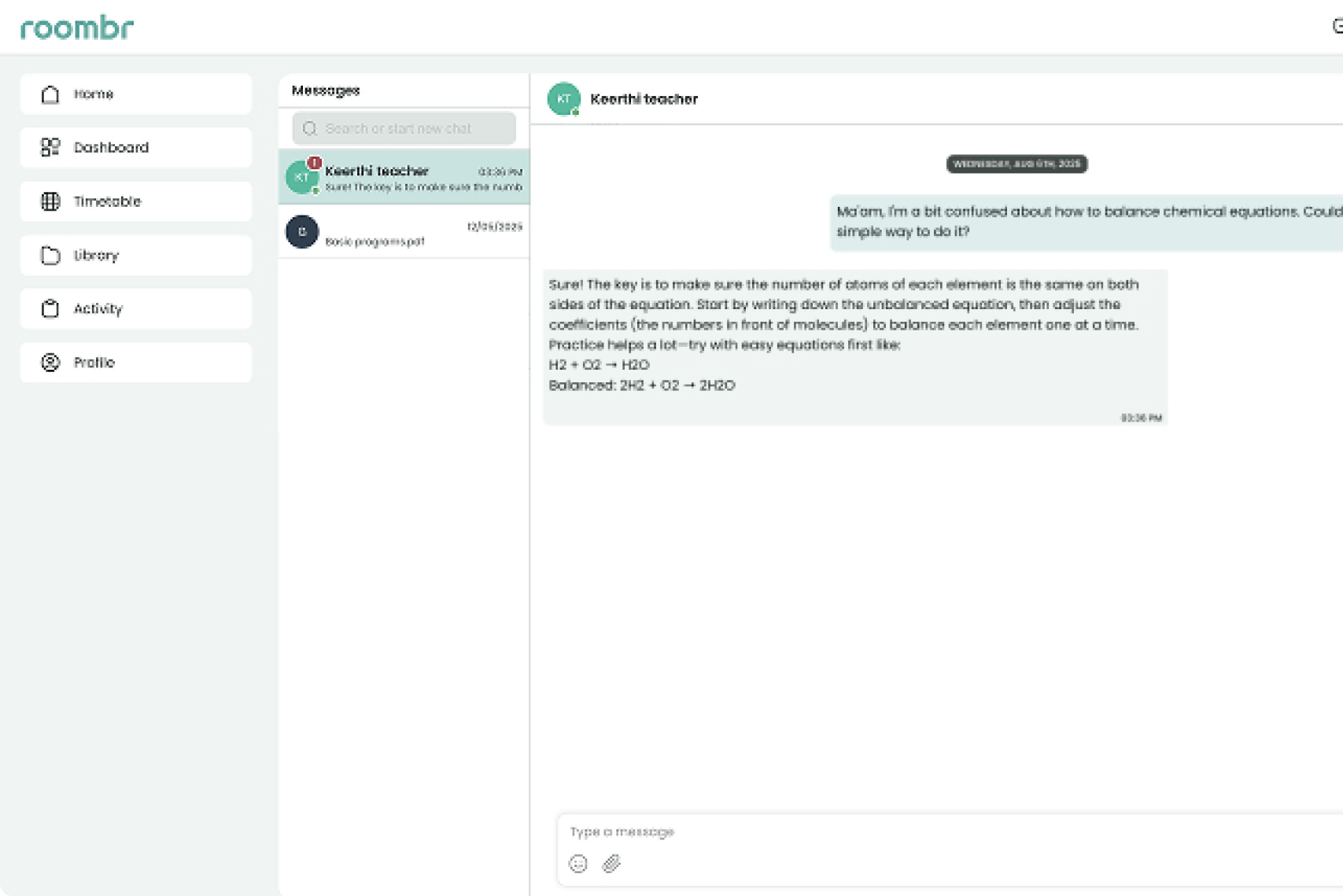

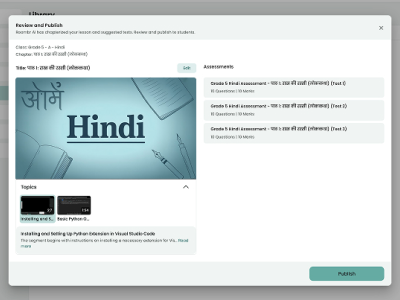
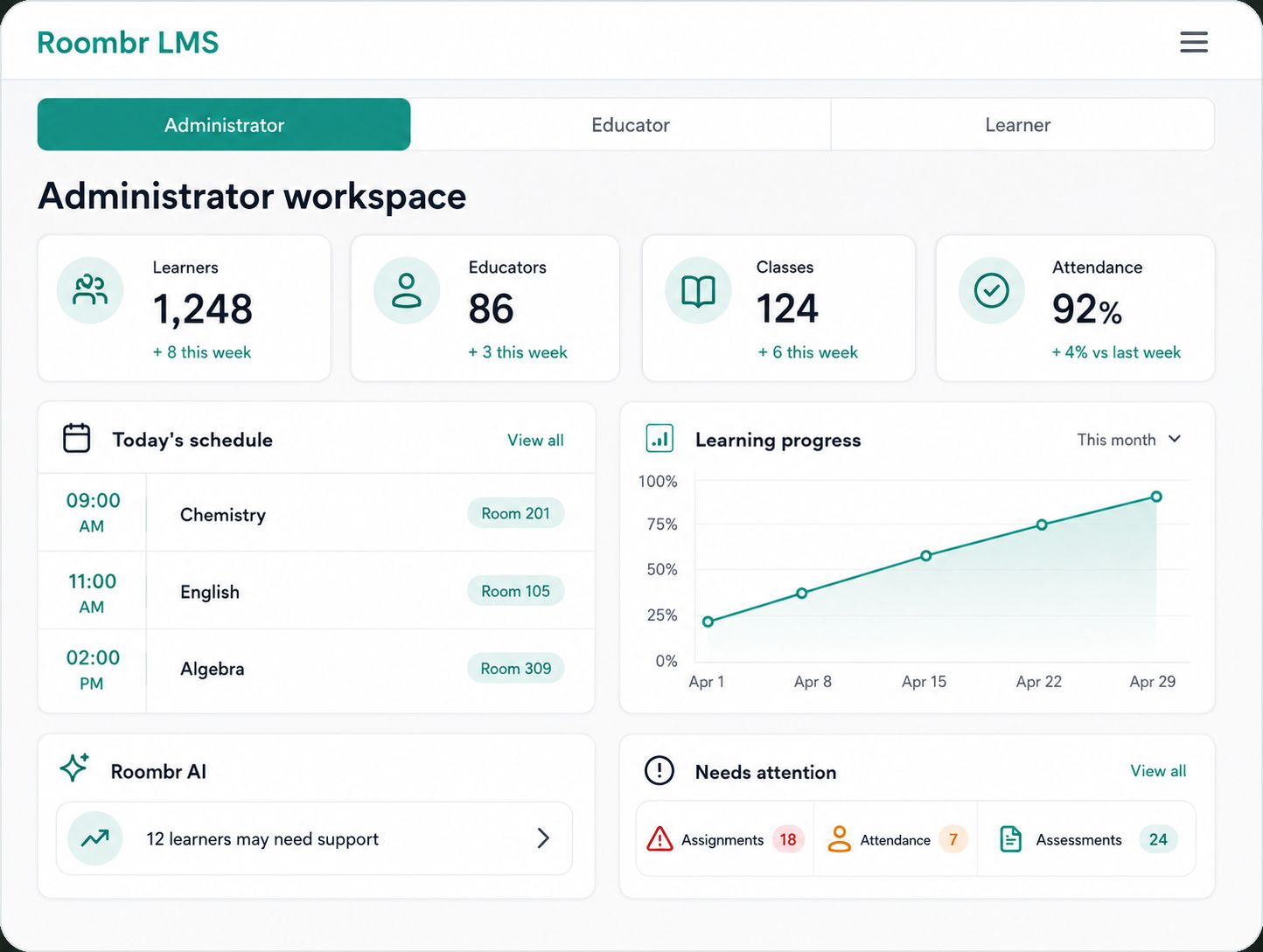
Roombr LMS gives administrators, educators, and learners a focused workspace based on what they need to manage, complete, or understand.
From lesson planning to progress reports, every capability is designed to work as part of one connected teaching and learning experience.
Conduct unlimited online and hybrid classes through Roombr’s native video conferencing application. Use speaker or grid views, hand raises, live chat, screen sharing, annotations, classroom access controls, and simple camera and microphone management. Educators can present documents, applications, slides, or their complete screen without relying on third-party conferencing software.
Write, draw, annotate, add shapes and text, import teaching material, and work across multiple whiteboard pages. Educators can search for web images, add multimedia from the content library, invite learners to contribute, and save or replay whiteboard work for later use.
Use the Roombr AI Teacher Agent to create lesson outlines, teaching material, classroom activities, and assessment ideas.
Suggestions can be informed by the syllabus, previous learner performance, and current understanding levels. Educators can review, edit, and adapt everything before using it in class.
Record complete online, hybrid, or offline classes with controls for pausing, resuming, adding bookmarks, and selecting recording layouts.
Roombr’s AI Editing Agent organizes recordings into topic-based chapters. Educators can then trim sections, divide long sessions into focused lessons, and add supporting multimedia through the built-in video editor.
Publish recorded classes, chapterized videos, revision material, and learning resources to the Online Lesson Library.
Upload and organize PDFs, presentations, documents, images, and videos. Files can be shared with selected users, published to a class, attached to activities, or opened directly on the digital whiteboard.
Interactive video playback helps learners move between relevant topics instead of searching through an entire recording.
Create assignments, polls, chapter-based tests, and other assessments manually or with the Roombr AI test generator.
The platform can evaluate responses, calculate scores, provide instant feedback, analyze results, and generate downloadable assessment reports. Educators remain in control of the questions, evaluation, and final results.
The Roombr AI Student Mentor gives learners a contextual academic assistant within the platform. They can ask questions, clarify concepts, receive homework help, and revisit difficult topics.
Assessment performance and engagement with recorded lessons can inform remedial resources, content recommendations, and personalized next steps. This recursive learning approach helps support learners beyond a one-size-fits-all course sequence.
Share announcements, learning updates, posts, comments, files, and notifications through a familiar feed.
Important posts can be scheduled or pinned, while direct messaging, audio calls, and video calls support individual or group communication. Teaching, learning, and discussion remain connected to the same academic environment.
Build daily or weekly schedules using customizable timetable templates.
Map teachers to subjects and classes, mark institutional holidays, and identify timetable overlaps before schedules are published. Administrators and educators can coordinate classes without maintaining separate scheduling systems.
Configure curricula for K–12 schools, higher education institutions, coaching centers, or organization-specific learning programs.
Organize departments, courses, subjects, chapters, classes, and batches. ERP-based user management makes it possible to create accounts, assign roles, control access, and connect users with the correct academic structure.
Record attendance manually or through QR-based attendance workflows. Monitor syllabus completion, session activity, assessment results, recorded-lesson engagement, and overall learner progress.
Real-time dashboards present information by learner, class, or subject. Educators and administrators can identify patterns, compare progress, and generate reports without manually compiling academic data.
Configure curricula for K–12 schools, higher education institutions, coaching centers, or organization-specific learning programs.
Organize departments, courses, subjects, chapters, classes, and batches. ERP-based user management makes it possible to create accounts, assign roles, control access, and connect users with the correct academic structure.
Clear answers to common questions about what Roombr LMS can do and how it fits into existing learning environments.

Great teaching deserves technology that feels effortless. Roombr LMS helps you bring learning to life, support every student, and grow on your own terms.





.webp)


