

You do not need to redesign the way you teach before getting started.
An independent tutor can create one class, add a course, and invite a few learners.
A school or college can organize academic years, departments, grades or courses, subjects, chapters, educators, and students.
Assign roles, build a timetable, schedule holidays and breaks, and connect educators with the subjects they teach.
Each user receives a focused view, so administrators, educators, and learners see what matters to them.
Roombr LMS adapts to your learning setup.
Start a class immediately or schedule it for later. Teach in person, online, hybrid, or offline using the same learning management software.
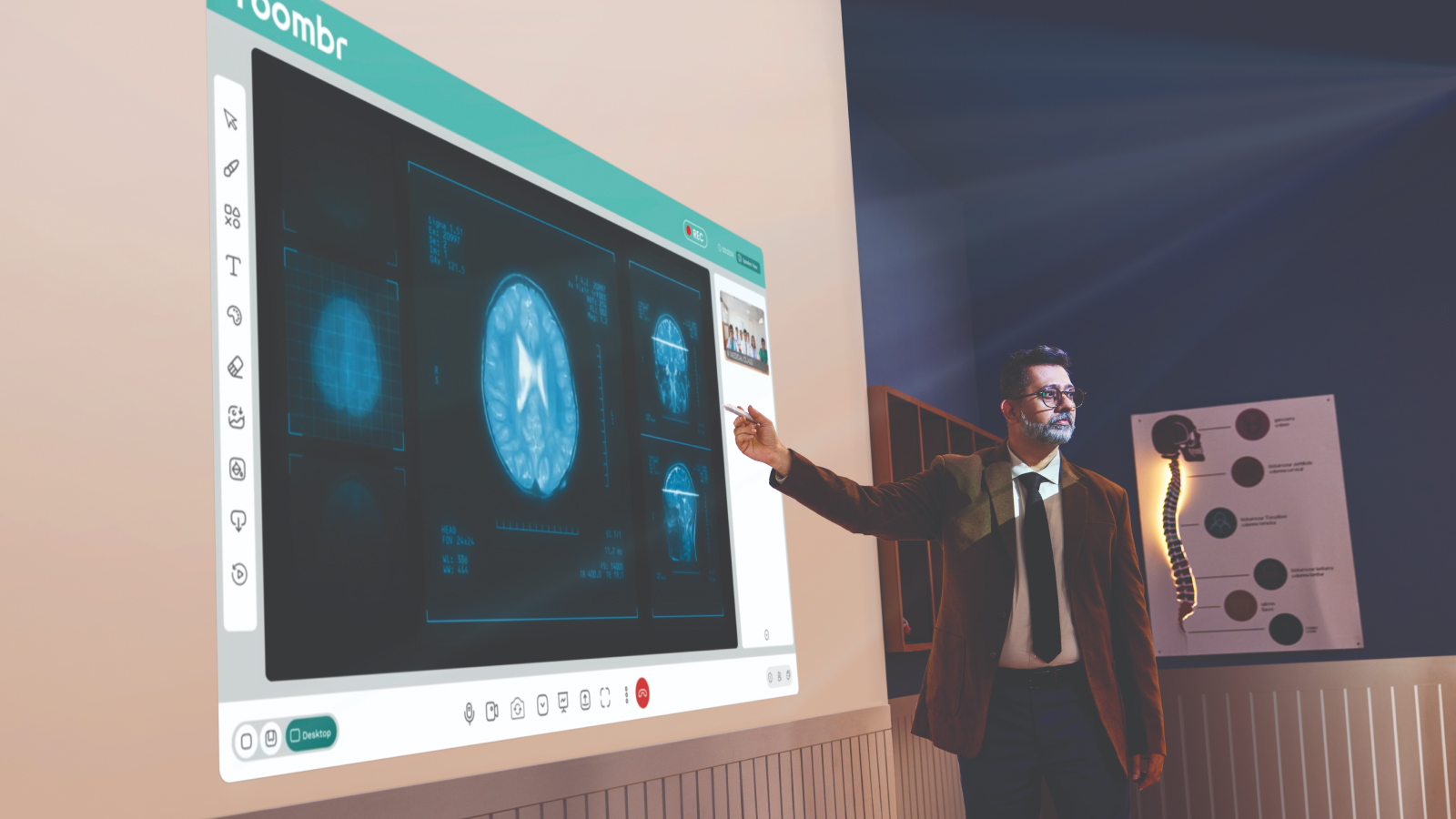
For online and hybrid sessions, use built-in video conferencing, screen and content sharing, chat, file sharing, annotations, and the collaborative digital whiteboard. Manage cameras, microphones, participation, and classroom access from one place.
Take attendance manually or through the available QR-based workflow. If you want to keep the session, record it, pause when needed, and bookmark important moments for easier editing later.
Roombr LMS works with compatible computers, webcams, mobile devices, and classroom screens. No Roombr classroom hardware is required.
After the class, the learning does not have to disappear inside one long recording or scattered folder.
Use AI chapterization and summaries to organize recordings by topic. Split, trim, crop, or add supporting images, slides, and videos. Bookmarked moments can help divide the recording into focused sections.
Publish the completed content to the right class or organize it inside a structured video library. Learners can open a specific topic, change playback speed, and return directly to the part they need.
You can also turn longer recordings into learning nuggets or short-form videos for platforms such as YouTube Shorts and Instagram Reels.
One teaching session can now support the original class, revision, missed lessons, microlearning, and future batches—creating more value from every hour you teach.
Create assignments, polls, and chapter-based tests to help learners practice what was taught. Roombr AI can assist with assessment creation and evaluation, while educators retain control over what is published.
Learners can access resources, complete activities, review scores, and follow their progress. When they need more help, the AI Student Mentor can provide explanations and support based on the learning context.
Educators and administrators can review attendance, session activity, syllabus completion, assessment performance, and learning progress through dashboards and downloadable reports.
These insights make it easier to notice patterns, respond sooner, and give learners more focused support.
Roombr LMS keeps the cycle moving: teach, create, practice, understand, and improve.

Great teaching deserves technology that feels effortless. Roombr LMS helps you bring learning to life, support every student, and grow on your own terms.


